
How to sit
How to Sit for Good Posture.
When you set your posture, whatever position you hold becomes your baseline. So start tall but relaxed: not slouched, and not stiff.
Six steps
Find Your Best Sit.
Work through these once, then set your posture in the app.
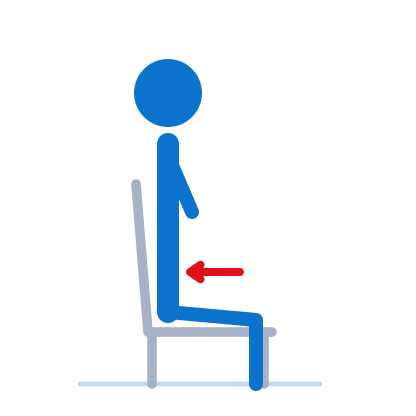
Step 1
Sit all the way back
Hips against the back of the chair, weight even on both hips.
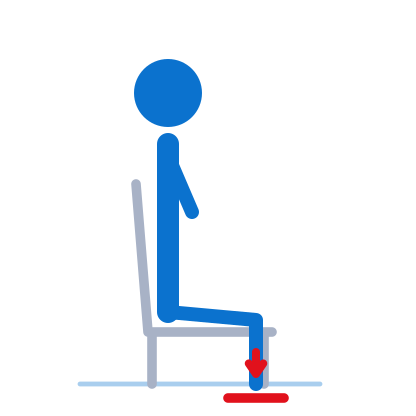
Step 2
Feet flat on the floor
Knees about level with your hips.
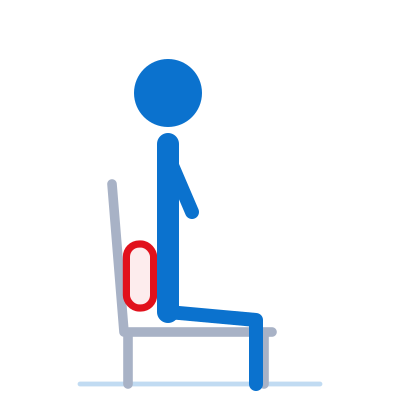
Step 3
Support your lower back
Let it rest on the chair. A small cushion or rolled towel helps.
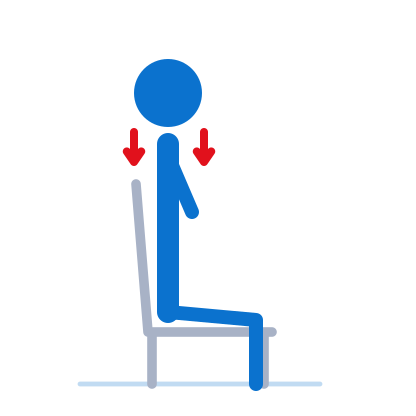
Step 4
Relax your shoulders
Down and relaxed, not pulled back hard.
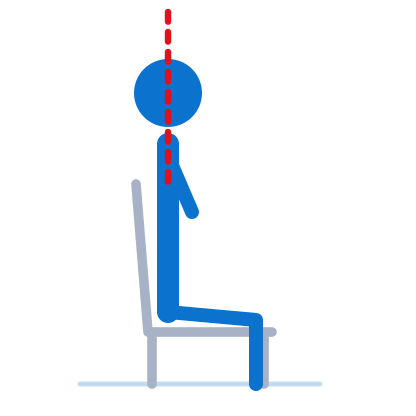
Step 5
Head over shoulders
Ears above your shoulders, chin level, eyes forward. Screen at eye level helps.
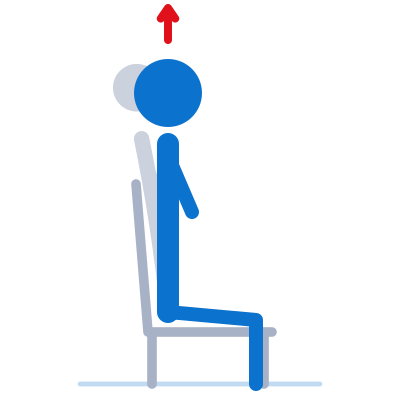
Step 6
Tall, not formal
Sit tall, then relax a little. Comfortable enough to stay a while.
Your desk
Set Up Your Desk.
A few small changes make a tall, relaxed sit the easy default.
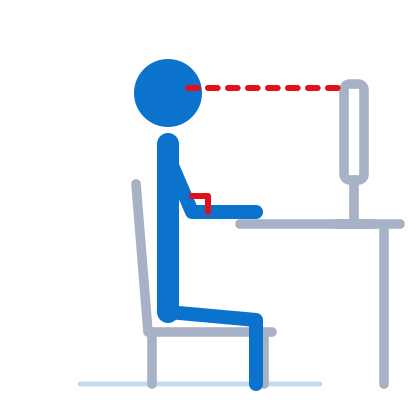
- Screen top at or slightly below eye level.
- Screen about an arm's length away.
- Elbows close to a right angle.
- Feet flat on the floor, or on a footrest.
- Take a short break to stand and move regularly.
Watch for these
Common Mistakes.
Everyone drifts. Spotting these makes it easier to reset.
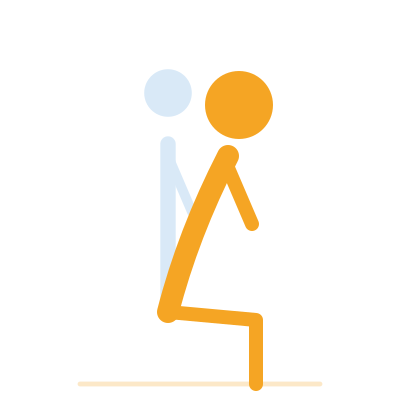
Leaning toward the screen
Bring the screen closer rather than bringing yourself to it.
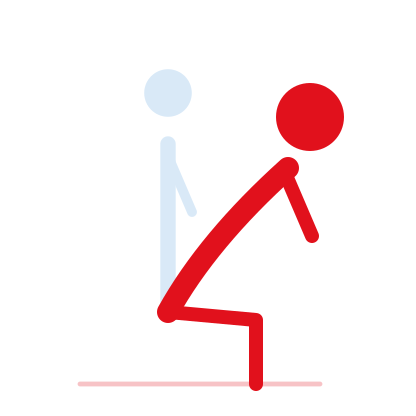
Slouching into a C shape
Rounding the whole back is the classic drift on a long day.
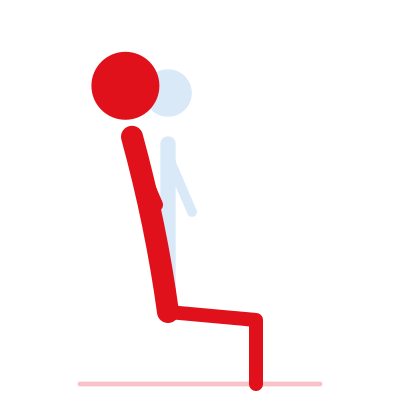
Sitting too stiff or over arched
Holding yourself rigid is hard to keep up. Tall and relaxed is the goal.
Feet not supported
Dangling feet tip you forward. Add a footrest or lower the chair.
Screen too low
A low screen draws your head down. Raise it toward eye level.
How VerteGuard helps
Set It Once. Get a Nudge When You Drift.
When you set your posture, the B10 learns it as your baseline. If you drift into a slouch for a few seconds, it gently reminds you with a buzz, and with Premium your Coach's voice tells you how you're doing.
Check Your Desk Setup.
Want a second opinion? ErgoAssessment is a free desk check by a third party that uses your camera to look at how you sit.